
Bring everything. Retype nothing.
Migration is the reason agencies stay stuck on systems they have outgrown. Atlas makes it the easiest part: one export from your current system, and your whole history arrives mapped, connected, and verified.



Four steps, and three of them are not yours.
Adoption agency data migration with Atlas means one thing for your team: send a copy of your data. Your part is the first step. Everything after that is handled for you.
Your part
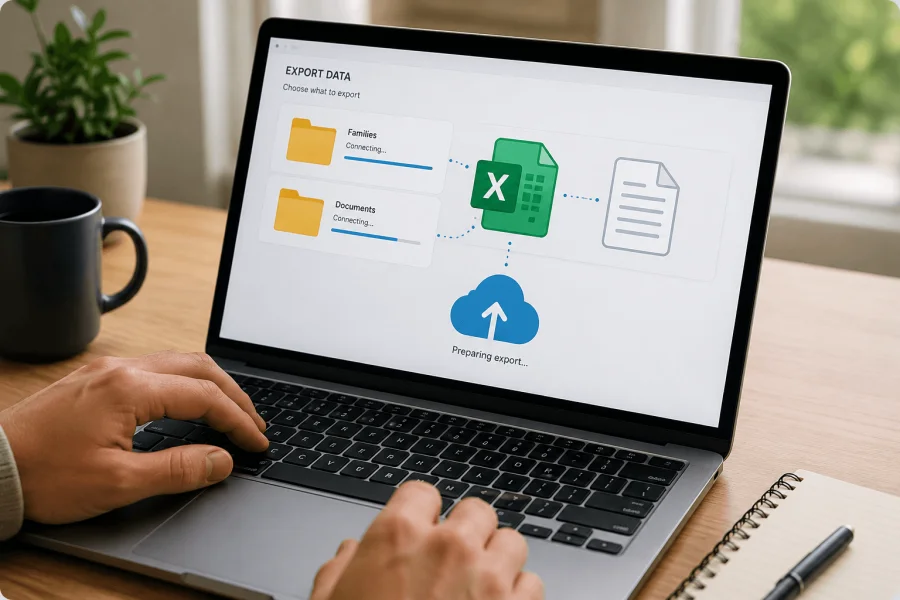
Export your data
Ask your current system for a copy of what it holds and send it over. Database exports, spreadsheets, folders of documents, whatever form it takes. That is the whole ask on your end, and you keep working in your current system while the move happens.
Our part
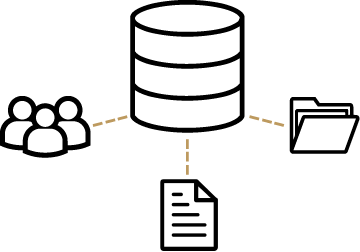
Atlas brings it all in and connects it
Your families, cases, children, birth parents, documents, notes, contacts, and history are mapped into Atlas and set up under your agency, connected the way your team actually thinks: open a family and their whole story is simply there, from the first inquiry to the last report.

Every record is checked against the original
Before go-live, the migrated records are verified against your old system, record by record, so a veteran on your team opening a family she knows by heart finds exactly what she expects to find. Nothing missing, and nothing changed behind your back.
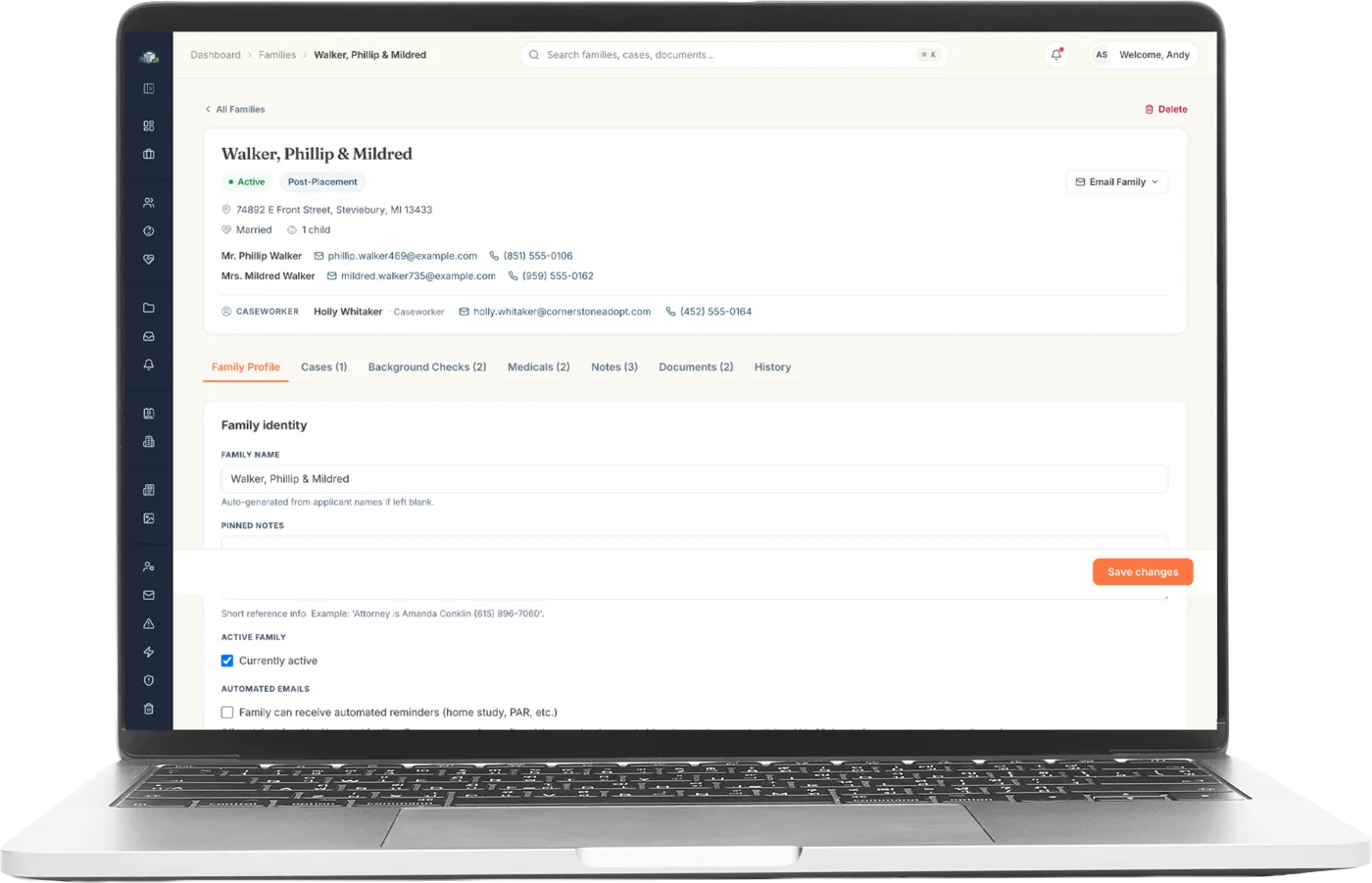
Your team logs in to a full system
Day one is a full system, not an empty one. No blank screens, no re-typing, and no settling-in period where the real records still live somewhere else. Your team just signs in and gets to work.
Your agency's whole story. Not just the active files.
A closed case from years ago matters the day that adoptee calls your office. The migration brings the history, too.
Families. Both applicants, full profiles, income, background, and status.
Cases. Every case with its stage, dates, and type, including closed ones.
Children. Placements, milestones, and the family and case they belong to.
Birth parents. Profiles and their connections to families and children.
Documents. The files themselves, not just links: home studies, clearances, forms.
Notes & history. The hand-written context that explains everything else.
Contacts & organizations. Attorneys, hospitals, courts, and partner agencies.
The connections. Records arrive linked to each other, the way they belong.
Protected during the move, not just after it.
Encrypted the whole way
Your export travels encrypted, lands in encrypted storage, and stays encrypted at rest. It is never sitting in the open at any point in the move.
Your own database, day one
Your records are migrated into a database that belongs to your agency alone, never a shared pool, so isolation starts before your team ever logs in.
The original is kept intact
Your source export is preserved untouched through the whole process. Anything in question can always be traced back to exactly what your old system said.
Verified before go-live
Migration ends with verification, record by record against the original. Your team starts on numbers that have already been proven, not assumed.
A sixteen-year case study.
Nothing was retyped
Every field was mapped from the old system and brought across as data, not re-entered by hand.
Checked against the original
Every record was checked against the source export before anyone logged in.
Imported in a single day
Once the export arrived, all sixteen years went in inside a day.
- 7,207
- families
- 30,351
- documents
- 57,183
- case notes
What file formats can Atlas import?
Whatever your current system can produce: database exports, CSV and Excel spreadsheets, and folders of scanned documents and PDFs. The format matters far less than people expect. If your data can leave your old system in any readable form, it can arrive in Atlas.
Who actually does the migration work?
Atlas does. Your team gathers one export from your current system, and everything after that, mapping, importing, connecting, and verifying, is handled for you. Nobody on your staff spends evenings re-entering families or dragging documents into folders.
Can Atlas migrate from any adoption software?
If your current case management system can hand over your data, Atlas can bring it in, whatever that system is. The largest migration so far moved sixteen years of records from a legacy adoption system, and no one on the agency team retyped a thing.
How long does the migration take?
There are three clocks. The first belongs to your current vendor: producing the export takes as long as they take, and nobody can rush it (at the first Atlas migration it was five days from request to delivery). The second belongs to Atlas: once the export lands, plan on a few days. At the first migration, every record was in with a verification report the morning after delivery. The third belongs to your team: training and running both systems side by side until everyone is comfortable, at whatever pace suits your agency.
How much data can the migration handle?
More than any agency is likely to have. The first Atlas migration brought in sixteen years of records: the full database export plus more than 55 GB of documents, tens of thousands of files. Size is not the limiting factor. If your system can hand it over, Atlas can take it.
What do we actually ask our current vendor for?
A copy of your data: the database or table export, plus the document files themselves. Most systems can produce both on request, and some vendors charge a modest one-time fee for the export. That is normal, and it is still your data. If you are not sure how to word the request, Atlas will write it for you.
Do closed and historical cases come over too?
Yes, and they matter. A closed case from years ago becomes important the day that adoptee calls your office. The migration brings your full history, closed cases included, searchable in seconds alongside your active work.
Can we run Atlas and our old system side by side?
You keep working in your old system for the whole migration, and the switch happens once Atlas is full and verified. After go-live, your old system can stay available as a read-only reference for as long as it comforts your team, since your original data never left it.
What if we do not have an existing system to migrate from?
Then there is nothing to migrate, you just start on Atlas directly. Everything above is for agencies moving off spreadsheets, paper files, or another piece of software, but Atlas works the same either way.

Bring your whole history with you.
One 30-minute demo. Bring your questions about the move; most answers are simpler than you expect.